We’d love to hear from you — whether you have a project in mind, or just want to say hi.
hello@komostudio.co.uk

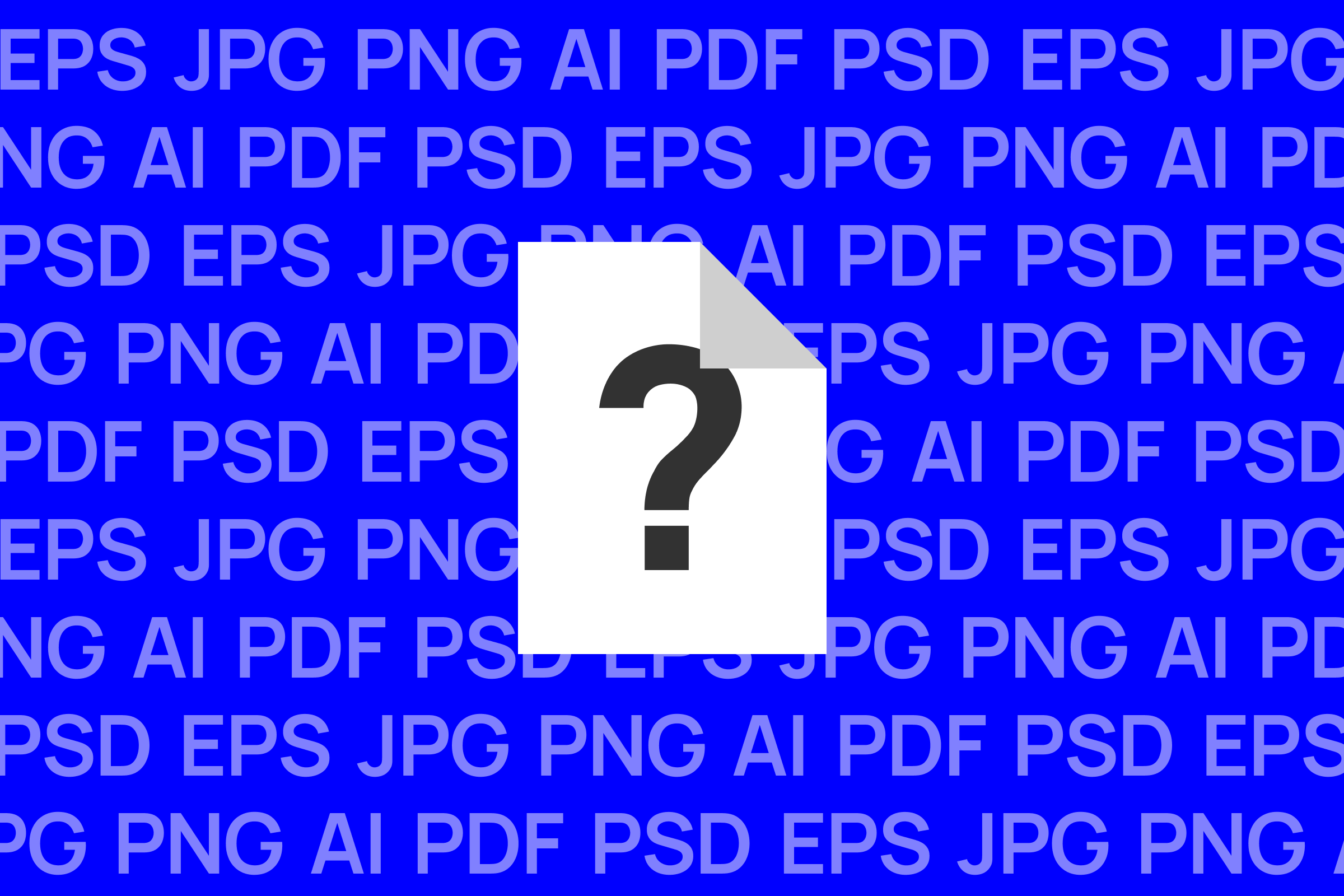
One of the most common questions we're asked once a project is complete is simple: "Which files do I actually need?"
It's a fair question. A finished design project often comes with a folder full of files in different formats, and it's not always obvious what each one is for or when to use it.
In this article, we'll break down the most common file types you'll receive from a designer, what they're best used for, and which ones you should hold onto for the future.
Not every file format is built for the same purpose. Some are designed for print, others for the web, and some are built to be edited and scaled without losing quality. Using the wrong format in the wrong place can lead to blurry logos, incorrect colours, or files that simply won't open where you need them to. Understanding the basics means you'll always have the right file ready, whether you're briefing a printer, updating your website, or resizing your logo for a partner's marketing material.
JPG is a compressed image format, most commonly used for photography and web images. It supports a wide range of colours and produces relatively small file sizes, which makes it ideal for websites, email signatures, and social media posts.
However, JPGs don't support transparency, meaning your logo will always sit on a solid background rather than blending cleanly into a page. They're also a "lossy" format, so the more they're edited and re-saved, the more quality they lose.
PNG is another common image format, but with one key advantage over JPG: it supports transparency. This makes it the go-to format for logos, icons, and graphics that need to sit cleanly on different coloured backgrounds, such as your website header or a presentation slide.
PNGs are also a "lossless" format, meaning they don't lose quality when saved multiple times. The trade-off is a larger file size compared to JPG, though this is rarely an issue for everyday use. If you need a logo for digital use, a PNG is a solid choice.
EPS is a vector file format, which is fundamentally different from JPG and PNG. Rather than being made of pixels, vector files are built from mathematical paths, meaning they can be scaled to any size, from a business card to a billboard, without losing sharpness or quality.
EPS files are typically used by printers and are essential when your design needs to be reproduced at a large scale or edited by a professional. They aren't designed to be viewed directly like a JPG or PNG, and most people won't be able to open one without design software. If you're working with a printer or a third-party agency, this is usually the file they'll ask for.
SVG is also a vector format, but built specifically for the web. Like EPS, it can scale to any size without losing quality, but it's lightweight and supported directly by web browsers. This makes it the preferred format for logos used on websites, particularly where the logo needs to remain sharp on any screen size or resolution.
PDF is one of the most versatile formats, capable of holding both vector and raster elements. It's widely used for anything that needs to be shared, printed, or approved, from brand guidelines to print-ready artwork. Because it displays consistently across almost any device, it's often the easiest format for sharing a design with clients or stakeholders who don't have design software.
Native files, such as AI files, are the original, fully editable source files created in the design software itself. These contain all the layers, fonts, and elements used to build the design, and are essential if you or another designer ever need to make changes in the future.
Unlike the other formats covered here, native files aren't typically handed over as standard. A designer's ideation and artworking is the service you're paying for, and native files represent that process in its entirety, not just the finished result. Most agencies, including us, will only provide native files as part of a separate agreement, so it's worth discussing this with your designer upfront if you think you'll need them further down the line.
As a general rule:
At Komo Studio, every project we deliver includes a complete file package, so you're never left wondering which format to use or chasing us down for a missing file. If you're ever unsure which file is right for a particular use, it's always worth checking with your designer before sending work to print or uploading it online.
Need your brand files reviewed, or starting a new project from scratch? Get in touch and we'll make sure you have everything you need.